This page is intended for users who want more flexibility in shaping sound in their videos. Below you will find information on:
Additional music blocks
Compatibility
Contrast
Transitions
Organic
Create space and stay in the background
Used when clarity and focus are required, such as in interviews or dialogue-driven scenes
Feature ambient textures, SFX-based tracks, or subtle noise layers
Electronic
Draw attention, create energy, and drive progression
Used to highlight movement, transitions, or key moments
Feature rhythmic structures, melodies, and more active musical movement
When combining different tracks, tempo and harmony must be compatible.
Align BPM and tonal structure to ensure smooth transitions and a coherent listening experience.
Avoid music that feels too distant or stylistically disconnected from ZEISS such as metal, folk, or country.
If possible, align the tonal framework with the audio logo in F major to maintain consistency.
Contrast plays a key role in on-brand communications. Contrasts in sound should always reinforce what is happening on screen.
In brand-driven formats like image films, contrasts can be stronger and occur more frequently.
In more narrative or dialogue-heavy formats such as documentaries or tutorials, use softer contrasts and reduce their frequency.
Ensure that sound is always aligned with visual changes: Faster cuts allow for greater contrast, while slower formats require more restraint.
Only introduce contrast when there is a clear shift in the image or scene, such as with a change in instrumentation, playing style, dynamics, or frequency range.
If the visual remains consistent, avoid contrasting sounds.
Do not use contrasts excessively, as this can create a sense of restlessness or feel inconsistent.
If you are composing your own music, use instrumentation, dynamics, and timbre to create contrast. Instrumentation
Contrast emerges from functional roles: pads create stable, atmospheric space, while drums, bass, and leads introduce rhythm, movement, and focus.
Paying close attention to frequency and articulation ensures clarity and definition.
Dynamics
Contrast is driven by energy.
Atmospheric layers remain sustained and reduced, while dynamic elements add rhythm, density, and progression.
Controlled transitions guide the viewer.
Timbre
Contrast is defined by sound character: organic timbres bring variation and warmth, electronic timbres provide precision and clarity.
The interplay of organic and electronic timbres creates a clear sonic identity and tension.
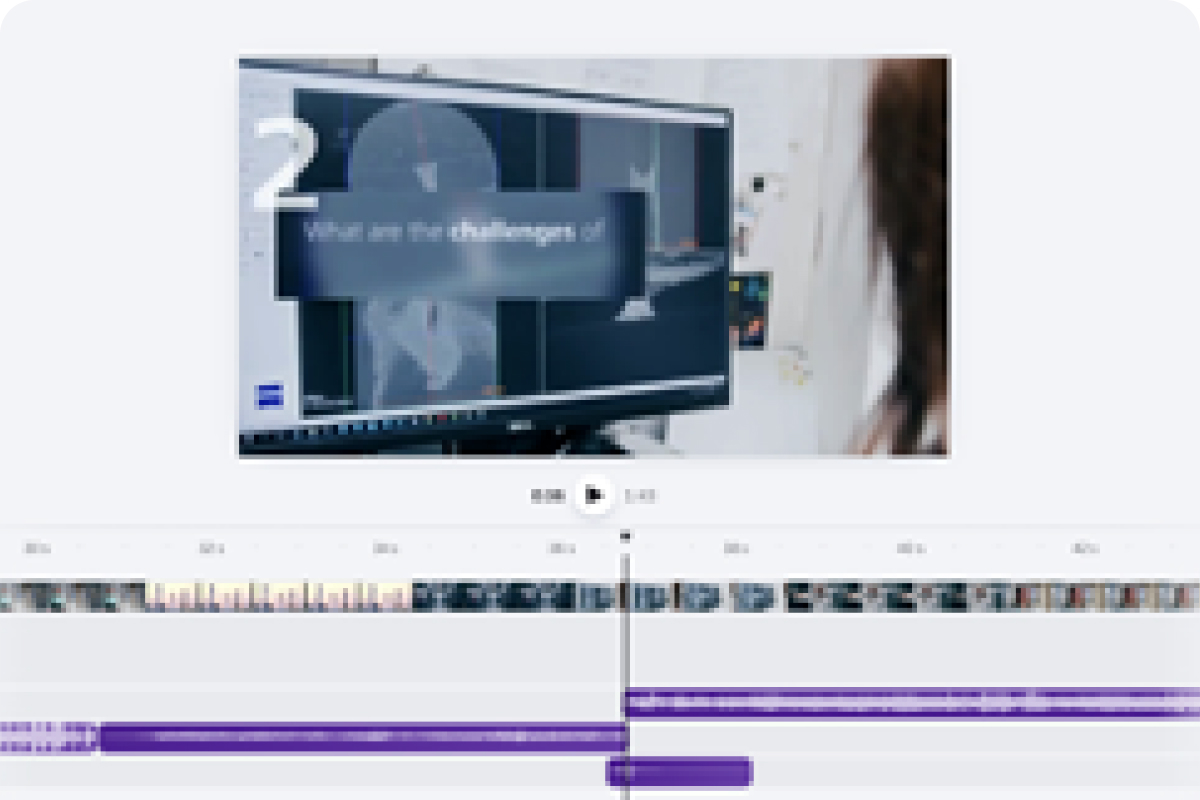
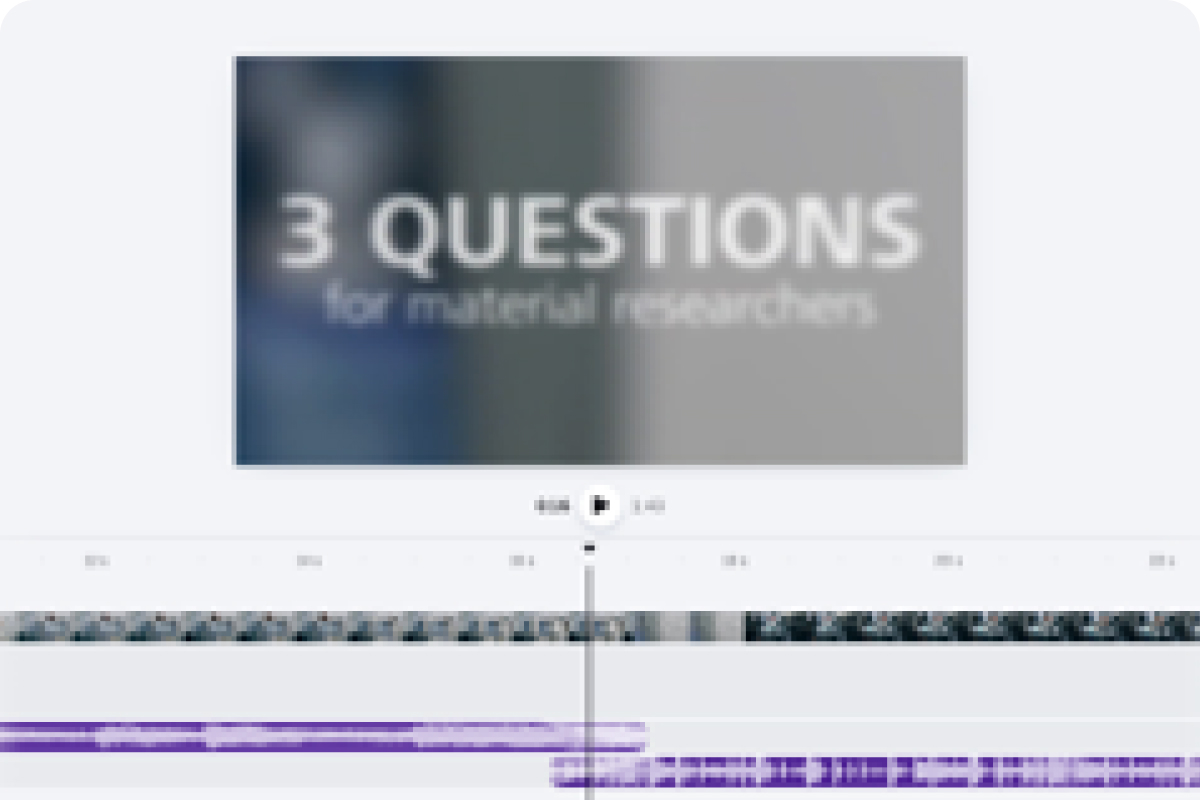
Transition sound effects support visual changes such as cuts, fades, and text reveals. Sound should always match visual transitions.
A sound effect can also support strong visual action, such as a zoom.
If the visual is subtle or continuous, use softer transitions or crossfades instead.
Hard cuts in the image should be reflected by clear sonic cuts.
Do not use additional transition sound effects if they do not fit the content of your video. Here, less is more.
Corporate Brand, Communications & Public Affairs