
You can reach B2B and B2C customers directly via messenger services such as WhatsApp Business. Use these communication channels for newsletters, chatbots, and support.
On this page, you will find the most important design guidelines and legal requirements for using messenger services successfully.
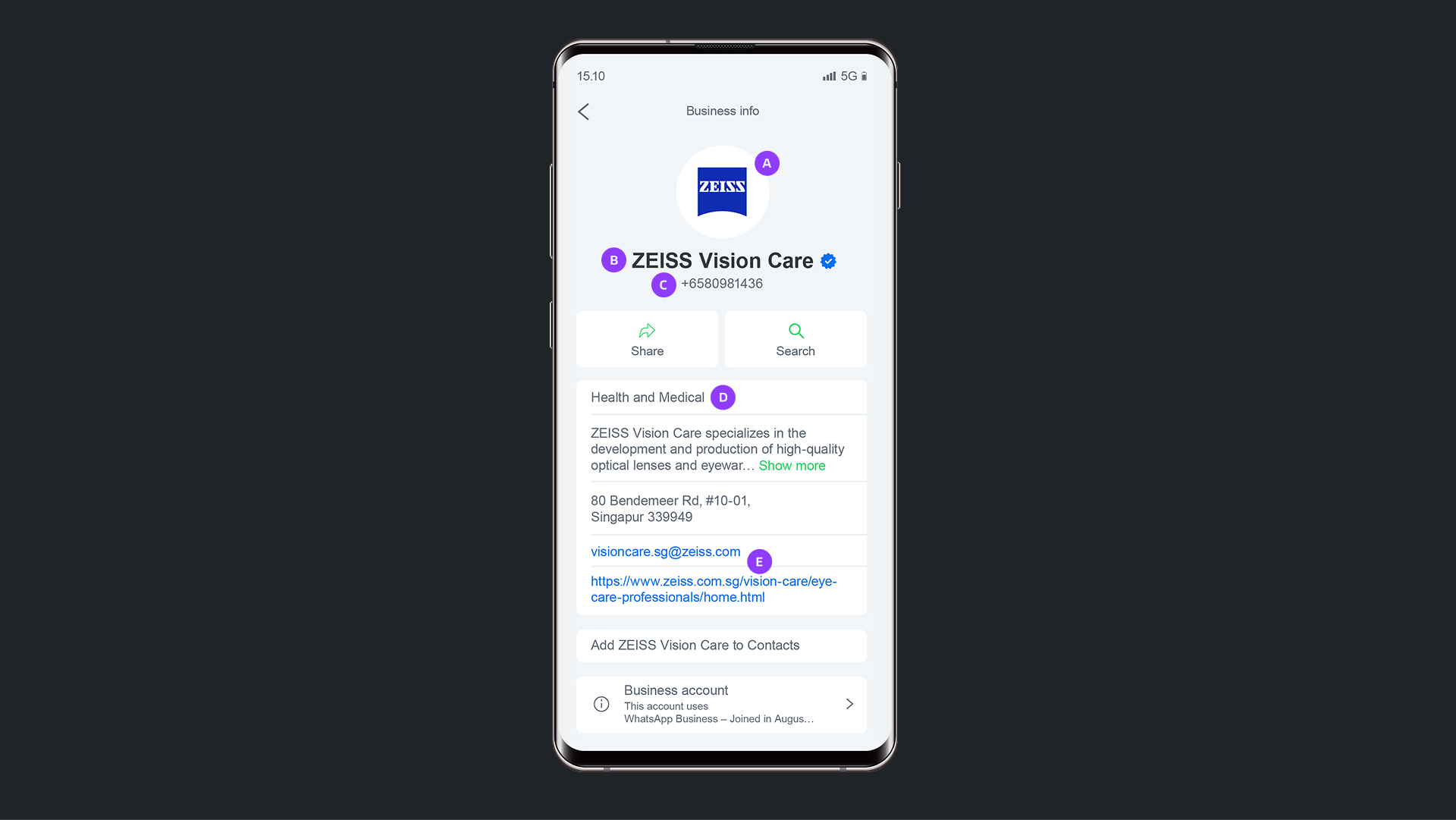
Use the official ZEISS Logo or an image that clearly represents your area of the company. Recommended dimensions: 640 x 640 pixels; maximum file size: 5 MB.
Ensure that your area of the company is clearly identifiable.
Please register with a business number only. Do not use your private number.
Get approval from Corporate Information Technology or Corporate Brand, Communications & Public Affairs.
Select the appropriate category for your strategic area of the company. WhatsApp Business has three categories: Health and Medical, Technology and IT, and Photography and Optics.
Provide an official ZEISS email address and a URL to the appropriate ZEISS website – do not use a generic address like zeiss.com. Please regularly verify that the contact details are still valid.

Employee picture as your profile picture

Generic profile name

Personal email address
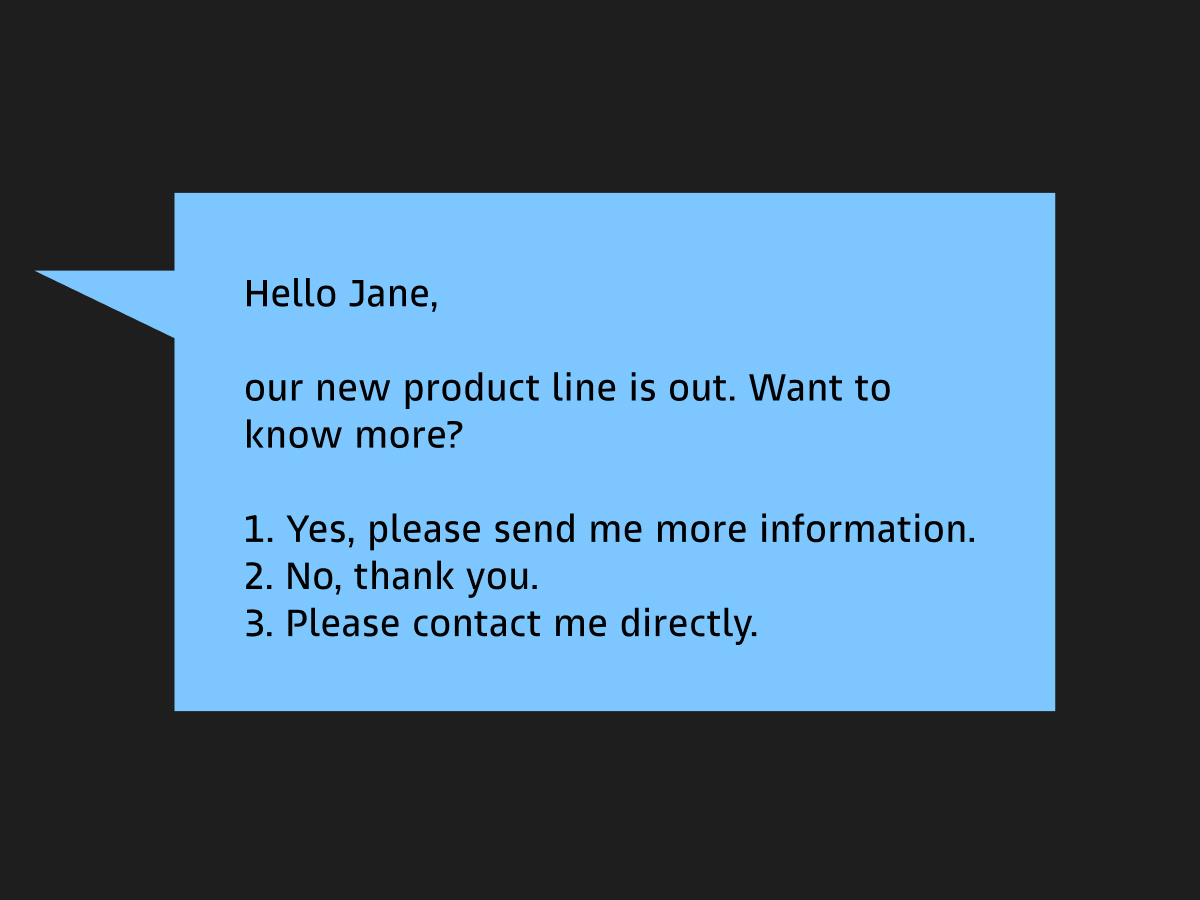
Messenger services are to be used for customer communications and not for personal chats.
The responses should be professional and in line with the brand. Please avoid using colloquialisms and emojis. You can get more tips on language and text for marketing communications in the ZEISS Corporate Language guidelines.
Compose short, concise messages. Ideally, write one to two short paragraphs and a maximum of 200 characters per message.
Use paragraphs to enhance readability.
Set up automatic welcome messages and out-of-office notices to process customer inquiries efficiently.
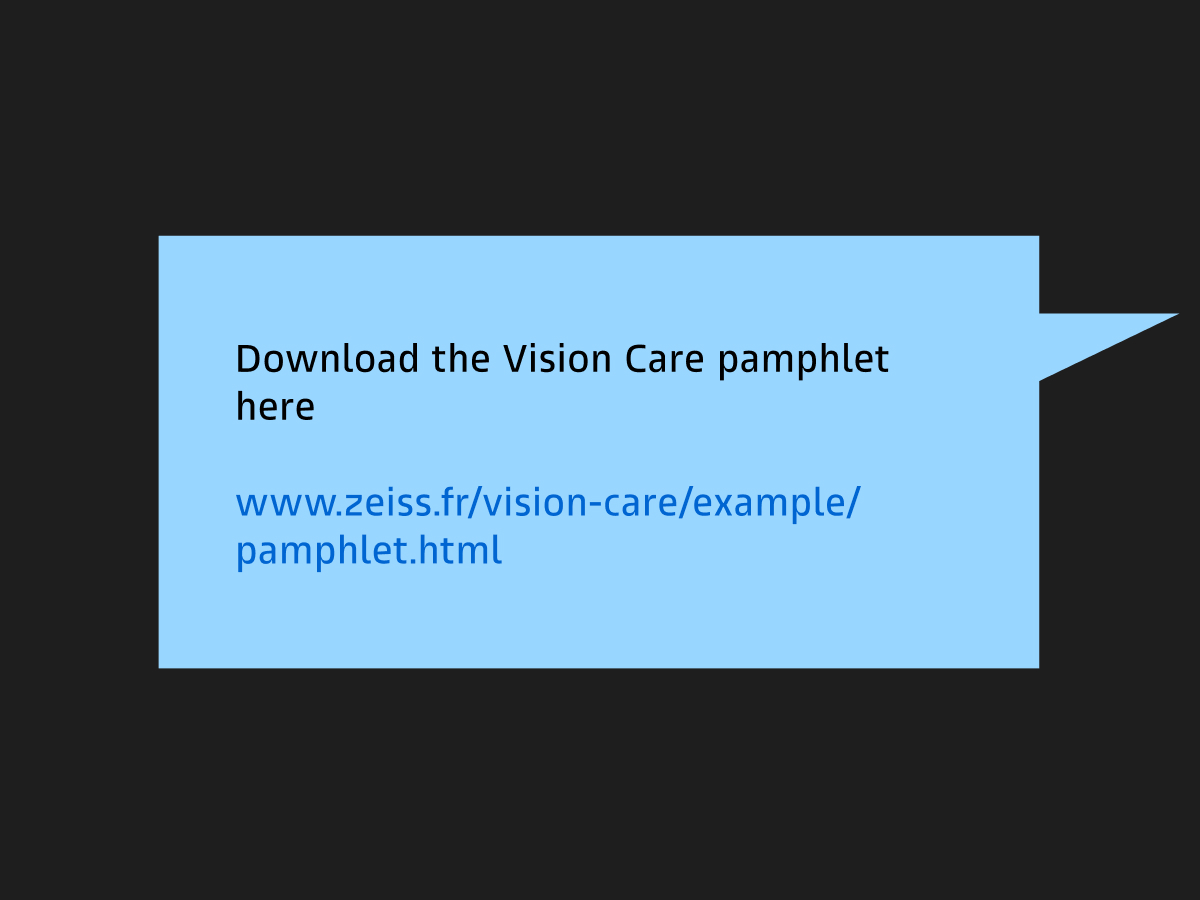
Links to products, events, or services should be relevant and clearly identifiable. The profile or the chat should not have any links to generic pages such as zeiss.com; only relevant pages such as product websites. Please use zeiss.ly to create short links.
Use clear messages or calls to action, such as "Download the brochure here."
Create the legal basis for data processing, such as through user consent.
Provide a clear privacy policy that outlines what data is collected and used.
Only collect user data that you need.
Set a processing time and delete unused data regularly.
Sign a data processing agreement (DPA) with the messenger service, such as a WhatsApp Business API provider, if it processes personal data.
Prevent unauthorized data transfers.
Obtain the express consent of users before sending messages. Double opt-in is recommended.
Communicate what type of messages users will receive, such as a newsletter, support, or advertising.
Offer an easy unsubscribe option, such as "Reply with STOP to unsubscribe from this newsletter."
Keep a record of user consent. When, how, and via what channel did they subscribe?
Provide easily accessible publishing information.
Make it clear who the sender is. Be transparent that users are dealing with a company.
Mark advertisements as ads to avoid misleading communication.
Don't send messages to users who have not given their express consent.
Follow the platform guidelines. For example, WhatsApp restricts certain financial or medical advice.
Don't send any mass messages that are not personalized so that they are not falsely identified as spam.
Double consent (double opt-in procedure) is crucial, as newsletters are regular one-way communications.
Ensure users can cancel their subscription at any time.
Only use WhatsApp Business API. The standard WhatsApp Messenger should not be used.
Follow the guidelines of the respective messenger service. On WhatsApp, for example, users may not be added to lists without consent.
Chatbot messages should respond to messages from users. Proactive messages are often restricted by the messenger service and can incur additional costs.
If personal data is processed, this must be clearly stated.
If the chatbot allows orders or contracts, users must be clearly informed when a legal obligation arises.
Inform users if a person will continue the chat, such as by writing: "A member of the support team will assist you shortly."
Corporate Brand, Communications & Public Affairs